Keyword Research for Small Businesses: A Practical Guide
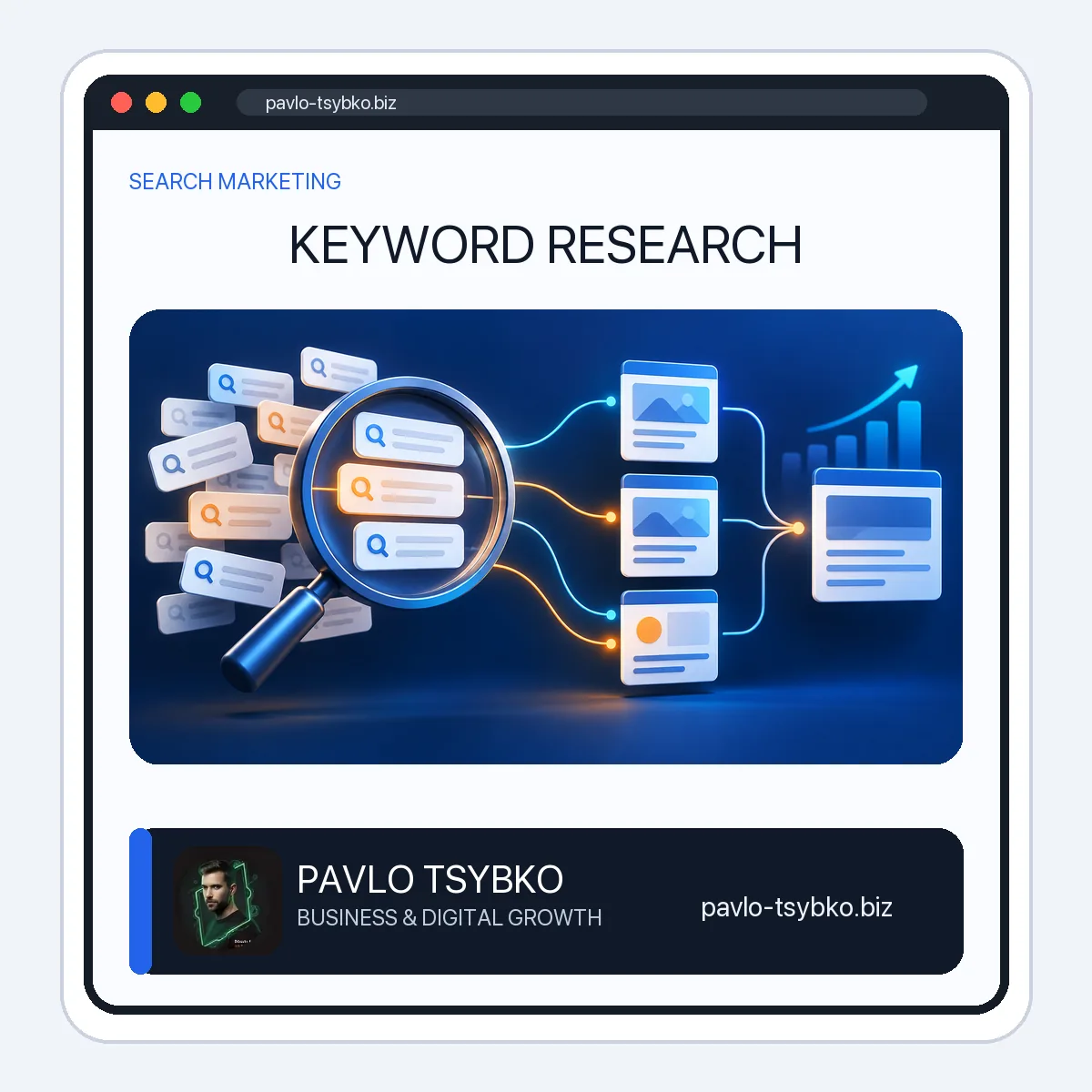
Keyword research for a small business is the work of finding the questions potential customers actually ask, understanding what kind of answer they expect, and matching each distinct need to a useful page. A spreadsheet full of high-volume phrases is not a strategy. The practical result is a short, prioritized map: which existing pages to improve, which new pages are genuinely needed, and which queries do not fit the business.
This guide shows a workable process for a service or small e-commerce site. It uses search-volume estimates as clues, not promises of traffic or rankings. Any example below is illustrative, not a claimed client result.
Begin with customers, offers and existing pages
Write down the services or products you can actually deliver, the locations you serve, the questions you hear before a sale, and the reasons a customer hesitates. Then list the pages already on your site. This keeps the research grounded in real offers instead of chasing every popular phrase in a keyword tool.
For an existing site, review the Search Console Performance report for queries and pages already receiving impressions or clicks. A query with a few impressions may expose a useful question even when a third-party tool reports little volume. Also review your site search, support emails, sales calls and customer language. Do not publish private customer details in the article.
Collect candidate phrases without confusing volume with demand
Build a seed list from each offer and customer problem. Expand it with related searches, question formats, competitor page topics and a keyword research tool such as Serpstat or Keyword Planner. Record the market and language used for the estimate: a US-English figure should not be treated as demand in another country. Keep the original phrase, source, date, and any volume or difficulty estimate in separate columns.
High-volume terms can be broad and ambiguous. A lower-volume question can be more useful when it describes a problem your business solves well. Difficulty scores are tool-specific estimates; they do not predict whether your particular page will rank. Treat them as one input alongside relevance, search intent, competition, existing authority, and the value of the visitor’s next action.
Read the search results to identify intent
Before assigning a phrase to a page, inspect the current results in the target country. Are they beginner guides, product listings, service pages, comparisons, local businesses or tools? The phrase itself may not reveal the job. For example, “website speed” might call for a definition, a measurement tool, or a repair service depending on the wording and results.
- Learn: the visitor wants an explanation or practical steps. A helpful guide is usually appropriate.
- Compare: the visitor is evaluating approaches or providers. A balanced comparison or case study may fit.
- Act or buy: the visitor is ready for a service, product, price or contact route. A clear service or product page is usually better than a generic blog post.
- Navigate: the visitor is looking for a specific brand or site. Avoid building a thin page just because a tool shows volume.
These labels are a working aid, not rigid categories. If the results are mixed, note the uncertainty and test a page that directly serves your actual audience.
Group questions into topics and map them to pages
A keyword cluster is a group of related queries that can be answered well by one page. A new page is justified when the reader’s task is meaningfully different—not merely because a phrase has a slightly different word order. Otherwise, several near-identical pages may compete with one another and make the site harder to maintain.
Use a simple keyword map. The table below is a fictional planning example for a small business website; it is not a report of live rankings or traffic.
| Customer question and intent | Page owner | Next action |
|---|---|---|
| How do I make my website faster? (learn) | Existing website-speed guide | Improve the diagnostic checklist |
| What does website development cost? (evaluate) | Website development service page | Add an honest scope and pricing explanation |
| How do I plan blog topics? (plan) | Content-plan template | Link a usable template |
| What is a content marketing strategy? (understand) | Content-marketing strategy guide | Keep it distinct from the template |
Give each existing page one main job and several supporting questions. Record the canonical URL, the current title, the proposed improvement, and internal links. If two pages answer the same job, decide which one should own it before rewriting both. Preserve a valuable URL with a sensible update or redirect plan; do not delete a page simply because its text is old.
Prioritize by usefulness, feasibility and business fit
Score each topic in plain terms rather than relying on one paid-tool metric. Ask: Does this query match an offer or expertise? Can we provide a better answer with evidence or experience? Do we already have a page that needs improvement? Is the expected next action appropriate? How much work is required to maintain the page accurately?
A practical first queue is often: improve a relevant existing page with impressions but weak coverage; fill a genuine gap on an important service path; then add supporting education that helps customers make a decision. Avoid publishing dozens of pages at once without a maintenance plan.
Write the page for the reader, then align its search signals
Use a concise, descriptive title and a visible H1 that accurately describe the page. Answer the main question early, then develop the details with examples, limitations and a next step. Use related language naturally in headings and body text when it helps comprehension. Do not repeat the same phrase unnaturally in every heading or hide lists of variants at the bottom.
Google’s own title-link guidance warns against keyword stuffing and recommends titles that match the primary language of the page. A meta description can summarize why a visitor should open the result, but it is not a substitute for useful content. Link contextually to related pages so readers can continue a logical journey; do not add links solely to satisfy a quota.
Measure, learn and update the map
After publishing, record the page URL and date. Review Search Console for the queries and pages receiving impressions and clicks, and look at the on-site actions that matter to your business. A page may attract the wrong audience despite receiving traffic. Conversely, a page with modest traffic may answer a valuable customer question.
Check whether a page is being shown for the intended topic, whether another page from your site appears for the same query, and whether visitors can reach an appropriate next step. Update titles or content only when the evidence and reader experience justify it. Search results and customer vocabulary change; revisit the map periodically rather than treating research as a one-time export.
Common keyword-research mistakes
- Choosing by volume alone: a broad phrase can be irrelevant or too ambiguous for the page you can create.
- Publishing one page per variation: small spelling or wording differences rarely justify a separate article.
- Ignoring existing pages: improving a useful page may be better than adding a new one with the same intent.
- Mixing markets: English-US estimates do not describe every location or language.
- Equating a difficulty score with a guarantee: real results depend on relevance, competition, site context and content quality.
- Forgetting conversion context: the right keyword should lead to a page that helps a visitor act, not merely generate a page view.
FAQ
How many keywords should a small business target on one page?
Start with one clear page purpose and the related questions it can answer naturally. There is no useful fixed number. If a query implies a different task, consider a separate page; if it asks the same thing in different words, keep the answer together.
Do I need a paid keyword tool?
No. Your customer questions, current pages, Search Console data and manual result review can produce a useful first map. A paid tool can speed expansion and provide estimates, but it cannot decide which page is genuinely helpful for your business.
Should I use the exact keyword in every heading?
No. Clear headings help people scan the article. Use the main terms where they accurately describe a section and use natural wording elsewhere. Repetition for its own sake can make the page less useful.
Next step
Pick one offer and list ten real customer questions. Map them to current pages before commissioning a new article. If you want a second opinion on the map and the pages it points to, contact me through the author page with the site URL and the market you serve. We can review the content gaps and priorities without promising a search position.
Related reading: Website performance optimization, Content plan template, and Content marketing strategy.
Editorial references: Google Search Central: people-first content; Google Search Central: title links. Reviewed 13 October 2026.