
Content Plan Template: Build a Practical Marketing Calendar
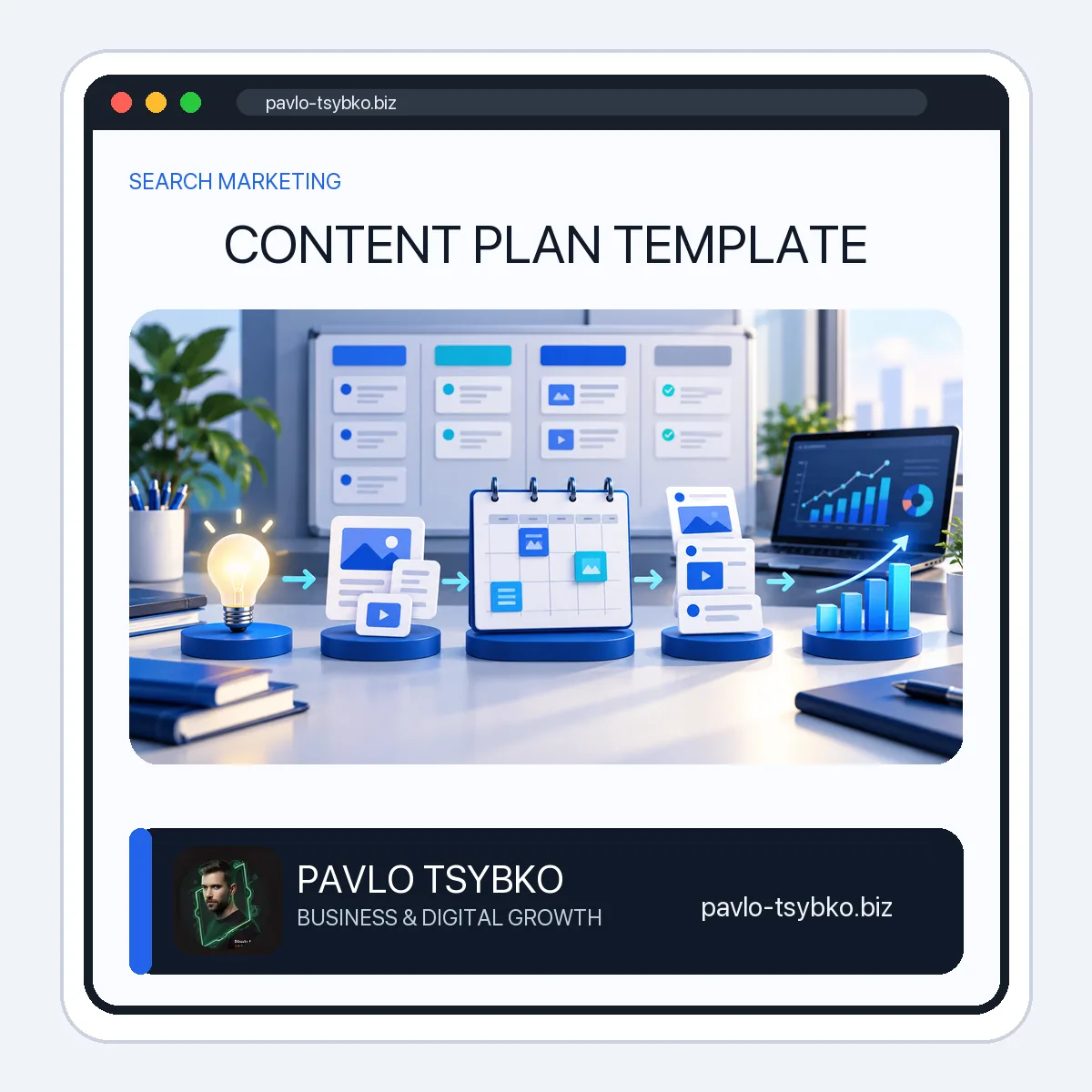
A useful content plan is more than a list of blog ideas. It connects every article, video, email, or social post to a business goal, a specific audience need, an owner, a deadline, a distribution plan, and a measurable result. The content plan template below gives you that structure without requiring a complicated platform.
You can copy the table into Google Sheets, Excel, Notion, or your project-management tool. A downloadable CSV version is also included so you can start with the same fields immediately.
Copy-ready content plan template
| Field | What to enter | Why it matters |
|---|---|---|
| Business goal | The commercial or strategic outcome | Prevents content from becoming activity without purpose |
| Audience and funnel stage | The reader and their awareness, consideration, or decision stage | Keeps the message aligned with what the reader needs now |
| Question or search intent | The problem, task, or query the content must answer | Creates a clear reason for the page to exist |
| Content pillar | The broader topic cluster | Supports internal linking and topical ownership |
| Working title | A specific promise or outcome | Gives the writer a focused brief |
| Format | Guide, case study, checklist, video, email, comparison, or landing page | Matches the format to the job |
| Primary channel | Website, YouTube, email, LinkedIn, Telegram, or another owned channel | Defines where the main asset lives |
| Distribution plan | Internal links, newsletter, social posts, outreach, or paid support | Prevents “publish and forget” |
| CTA | The logical next action for the reader | Connects useful content to a customer journey |
| Owner and due date | One accountable person and one realistic deadline | Makes execution visible |
| Status | Idea, approved, drafting, review, scheduled, published, or updating | Shows where work is blocked |
| Primary KPI | One main success signal | Keeps reporting focused |
| Review date | The next accuracy and performance check | Turns content into a maintained asset |
Download: content plan template in CSV format. The file opens in Excel, Google Sheets, Apple Numbers, and most planning tools.
Content strategy, content plan, and content calendar are not the same
These three documents are often mixed together, which is why teams end up with busy calendars but weak results.
- Content strategy defines the audience, positioning, business objectives, editorial principles, and the role content plays in growth.
- Content plan translates that strategy into topics, formats, owners, workflows, distribution, and measurement.
- Content calendar places approved work on specific production and publication dates.
A calendar is therefore one part of the plan. Starting with “we need four posts per month” skips the more important questions: which customer problem will each post solve, why should your business publish it, and what should happen after someone reads it?
How to create a content plan in nine practical steps
1. Choose one business outcome
Begin with the result the content system should support during the next quarter. Examples include qualified consultation requests, product trials, newsletter growth, customer onboarding, or stronger visibility for a priority service. “Get more traffic” is too vague unless you explain what useful action that traffic should enable.
2. Define the audience and decision stage
Write down who the content is for and what the person already knows. An early-stage reader may need a clear explanation of the problem. A consideration-stage reader needs options, criteria, and examples. A decision-stage reader needs proof, scope, process, risk information, and a credible next step.
3. Collect real questions before inventing topics
Use sales conversations, support requests, search data, community discussions, customer interviews, and existing analytics. Capture the wording people use. A good topic begins with a real decision or task—not with a desire to fill an empty publishing slot.
4. Audit what already exists
List current pages and classify each one: keep, update, consolidate, redirect, or archive. Look for several pages answering the same query, articles with outdated advice, and strong pages that lack internal links. This prevents the plan from creating duplicate content and helps you improve existing assets before commissioning new ones.
5. Build a small set of content pillars
Group related customer questions under a limited number of themes that match your expertise and services. Each pillar should have a clearly defined owner page and supporting articles with distinct search intent. For example, this site separates a practical planning template from the broader content marketing checklist and the article marketing strategy guide.
6. Score and prioritize ideas
Give each idea a simple score from one to five for customer relevance, business value, evidence or experience available, distribution potential, and production effort. Prioritize high-value ideas that you can support with useful knowledge. Search volume can inform the decision, but it should not replace relevance or editorial judgment.
7. Match the format and channel to the task
A complex implementation question may need a guide, template, and demonstration. A risk-sensitive decision may need a comparison or case study. A short announcement may belong in email or Telegram rather than becoming a thin article. Choose one primary home for the asset, then decide how it will be adapted for other channels.
8. Assign ownership and a realistic workflow
Every item needs one accountable owner. Define the stages required for your operation: brief, draft, expert review, factual verification, SEO and internal links, design, approval, publication, and distribution. Add only the stages your team will actually use, but never remove review for high-stakes financial, legal, medical, or security claims.
9. Select the KPI and review date before publishing
Choose the metric that best reflects the page’s role: qualified leads, assisted conversions, template downloads, newsletter sign-ups, product activation, rankings for the intended cluster, engaged visits, or clicks to a decision page. Add a review date so you can update examples, links, screenshots, facts, and calls to action.
A simple 30-day content plan example
| Week | Main asset | Audience stage | Distribution | Main KPI |
|---|---|---|---|---|
| 1 | Answer-first guide to a priority customer problem | Awareness | Search, newsletter, LinkedIn summary | Qualified organic visits |
| 2 | Practical template or checklist | Consideration | Internal links, email, Telegram | Downloads or saves |
| 3 | Case study with process and limitations | Consideration | Sales follow-up, social excerpts | Clicks to service page |
| 4 | Service/process page update plus FAQ | Decision | Links from the previous three assets | Qualified inquiries |
This is not a universal publishing frequency. A small team may produce one excellent asset and distribute it thoroughly. A larger team may manage several streams. Capacity, quality, and the value of the topic matter more than an arbitrary volume target.
How to run the plan each week
- Review blocked and overdue items, not every row in the sheet.
- Confirm that the next pieces still support the current business priority.
- Check whether writers and reviewers have the evidence they need.
- Approve the distribution plan before the asset is published.
- Record the first performance signal and keep the scheduled review date.
A monthly review should look beyond output. Identify which topics attracted the right audience, which pages supported inquiries or sales, which assets need consolidation, and which customer questions remain unanswered.
Common content planning mistakes
- Planning by volume: publishing frequently without a business or reader outcome.
- Targeting every keyword: creating overlapping pages instead of one clear owner for each intent.
- Ignoring distribution: expecting a new page to find its audience automatically.
- Using one KPI for everything: judging an awareness guide and a decision page by the same metric.
- No owner: assigning work to “the team” instead of one accountable person.
- No maintenance: leaving outdated screenshots, links, offers, and claims online.
- Automating without editorial control: generating drafts at scale before defining evidence, positioning, and approval rules.
Frequently asked questions
What should a content plan include?
At minimum: business goal, audience and funnel stage, customer question or search intent, topic, format, channel, distribution, CTA, owner, due date, status, KPI, and review date.
How far ahead should I plan content?
Plan strategic themes for a quarter, but keep the detailed calendar flexible. A rolling four-to-eight-week production window is often easier to maintain because customer questions, priorities, and market conditions can change.
Do I need a separate social media calendar?
Use a separate execution view when social publishing has many channels, assets, and approvals. Keep it connected to the master content plan so social posts support the same themes, audience stages, and outcomes.
How often should the plan be updated?
Review workflow weekly, performance monthly, and strategic priorities quarterly. Update individual pages whenever facts, offers, screenshots, regulations, products, or customer needs materially change.
Turn the template into a working system
The spreadsheet is only the starting point. The value comes from clear topic ownership, useful briefs, accountable production, deliberate distribution, and regular updates. If your current content is fragmented, duplicated, or disconnected from customer journeys, I can help audit the existing library and design a practical planning workflow for your business. Start with the online business services overview or contact me through the site.