Business Chatbots: A Beginner’s Guide to Useful Automation
Updated November 2026. This is a practical introduction to customer-facing chatbots, not a promise that automation will replace a support team or increase sales.
A business chatbot can answer routine questions, collect the details needed for a human follow-up, and guide a visitor to the right page or person. The useful question is not “Which bot platform should we buy?” but “Which customer conversation is slow, repetitive, and safe to improve?” Start with one narrow task, then expand only when the experience works.
What a business chatbot should do
Good first use cases include opening hours, service availability, delivery or booking information, order-status routing, and collecting a callback request. A bot may also help customers find a relevant article or compare service options. It should not pretend to be a person, invent an answer, or trap someone who needs human help.
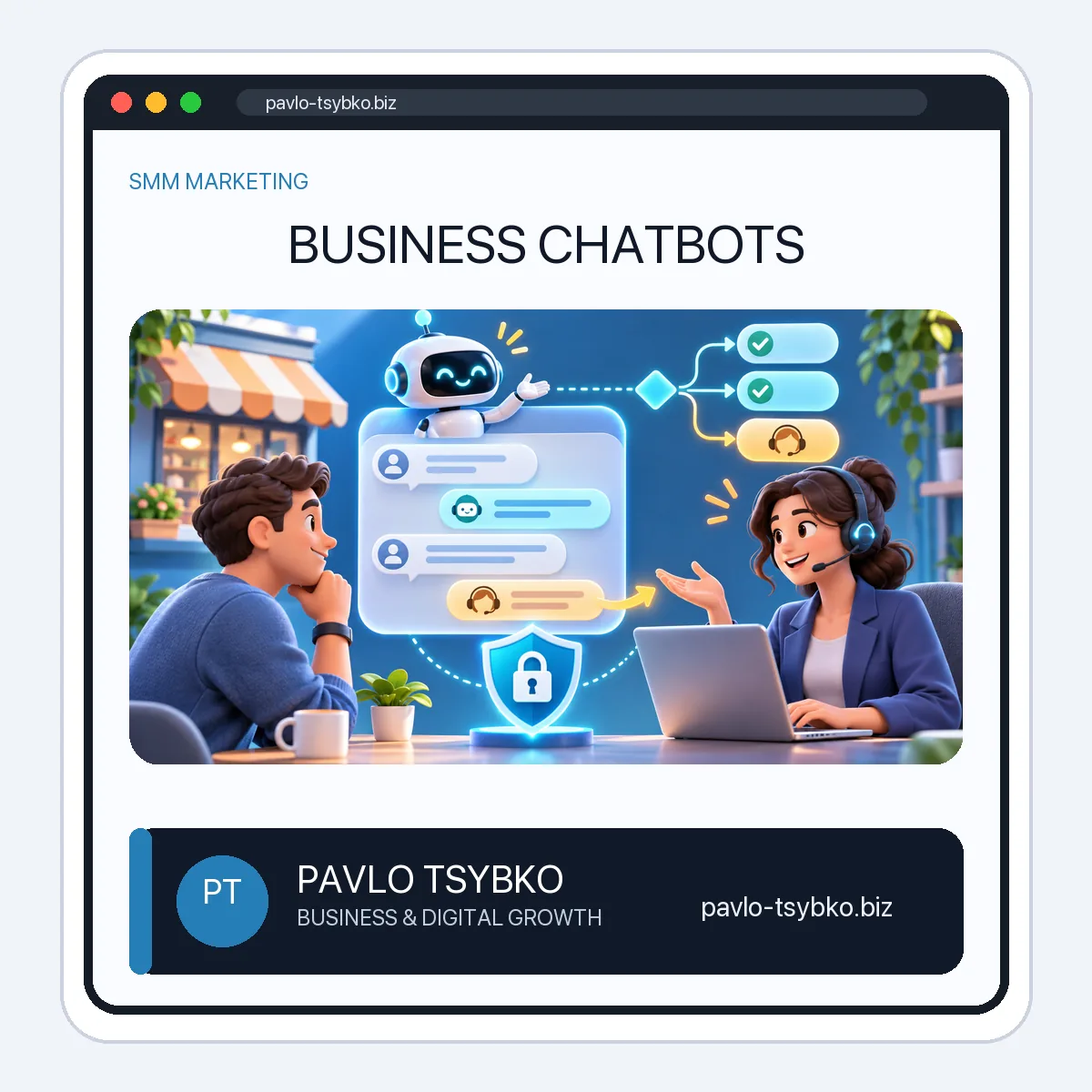
Separate three types of interaction: a fixed decision flow for predictable questions, a search-based answer from approved content, and a human handoff for unusual or sensitive situations. A simple flow is often more reliable than a broad AI assistant when the business has a small, well-defined set of questions.
1. Choose one measurable task
Review recent customer questions and pick one that appears often but has a stable answer. Write down the current journey: where the question arrives, what information a staff member needs, how long a useful response takes, and what counts as a resolved request. Avoid starting with payment disputes, emergencies, or decisions requiring professional judgment.
Set a modest objective, such as reducing incomplete inquiries or helping visitors reach the right contact route. Do not use a vague target like “automate sales.” Decide what information you need to measure the result before building the bot.
2. Design the conversation and escape route
Open with a clear disclosure: the visitor is speaking to an automated assistant. Offer a short list of common intents, allow a free-text question where appropriate, and show a visible “talk to a person” option. For every branch, define the answer, source of truth, and fallback when the answer is unknown.
Keep questions short. Ask only for details needed to complete the task, such as an order number for a status request. If a person asks something outside the bot’s scope, acknowledge the limit and route the request to a human rather than guessing.
3. Choose the channel and tool
Build where your customers already contact you: a website chat, a messaging channel, or both. Evaluate tools against the same checklist: supported channels, ownership of the account and data, human handoff, consent controls, export options, integrations, accessibility, analytics, total cost, and how easily you can update answers. A no-code builder may be enough for a fixed flow; an API-based bot gives more control but requires maintenance.
If you choose Telegram, review its official Bot API and current platform guidance before implementing features. Do not assume that a feature available in one messaging app works identically in another. Keep credentials in server-side secrets, not inside article text, client-side code, or shared screenshots.
4. Protect customers and their data
Tell people what information you collect and why. Avoid collecting payment-card details, passwords, or more personal data than the task requires. Restrict staff access, define retention and deletion rules, and test what happens when someone requests a human or asks to remove their information. Review applicable privacy and messaging rules for the locations where you operate before launch.
For AI-generated answers, use an approved knowledge base, make the limits visible, and create a review path for wrong or high-risk replies. The NIST AI Risk Management Framework is a useful reference for thinking about reliability, transparency, and oversight; it is not a certification of any chatbot product.
5. Test before launch
- Try the ten most common questions, including misspellings and incomplete messages.
- Test unknown questions, frustrated users, duplicate messages, and a request to speak to a person.
- Check every link, form, notification, handoff, and mobile screen.
- Confirm that a staff member can see enough context to continue the conversation without asking the customer to repeat everything.
- Have someone outside the project test the flow without instructions.
Start with a limited release and monitor it. Do not announce “24/7 support” if a human cannot handle escalations outside business hours; explain when a reply can be expected.
6. Measure and improve
Track the percentage of conversations that reached a useful answer, the number that needed a human, unresolved or abandoned conversations, time to human response, and customer feedback. Read a sample of actual conversations—subject to privacy controls—to see where people get stuck. A high containment rate is not success if users give up or receive an incorrect answer.
Update the knowledge base when policies, prices, and services change. Assign an owner to review answers and integrations on a schedule. Retire a flow if it creates more work or confusion than it saves.
A small-business launch checklist
- List the top customer questions and select one low-risk task.
- Write approved answers, fallback wording, and a human handoff route.
- Choose a channel and tool based on ownership, privacy, cost, and support requirements.
- Build and test the flow with real examples; fix failures before announcing it.
- Launch to a limited audience and review outcomes every week.
For a technical Telegram-specific setup, keep the platform instructions separate from this business planning guide. A bot is useful when it makes a customer’s next step clearer and gives your team better context—not simply because it sends an automatic reply.
Need a focused chatbot plan?
Send your most common customer question, the channel where it arrives, and your current handoff process to mail@pavlo-tsybko.biz. I can help map a small, testable flow before you commit to a platform. Results depend on the use case, implementation, and ongoing review.