Can You Build a Telegram Bot for Free? Costs and Limits
Updated November 2026. Plan details below were checked against provider websites at the time of this update; verify the current terms before you sign up.
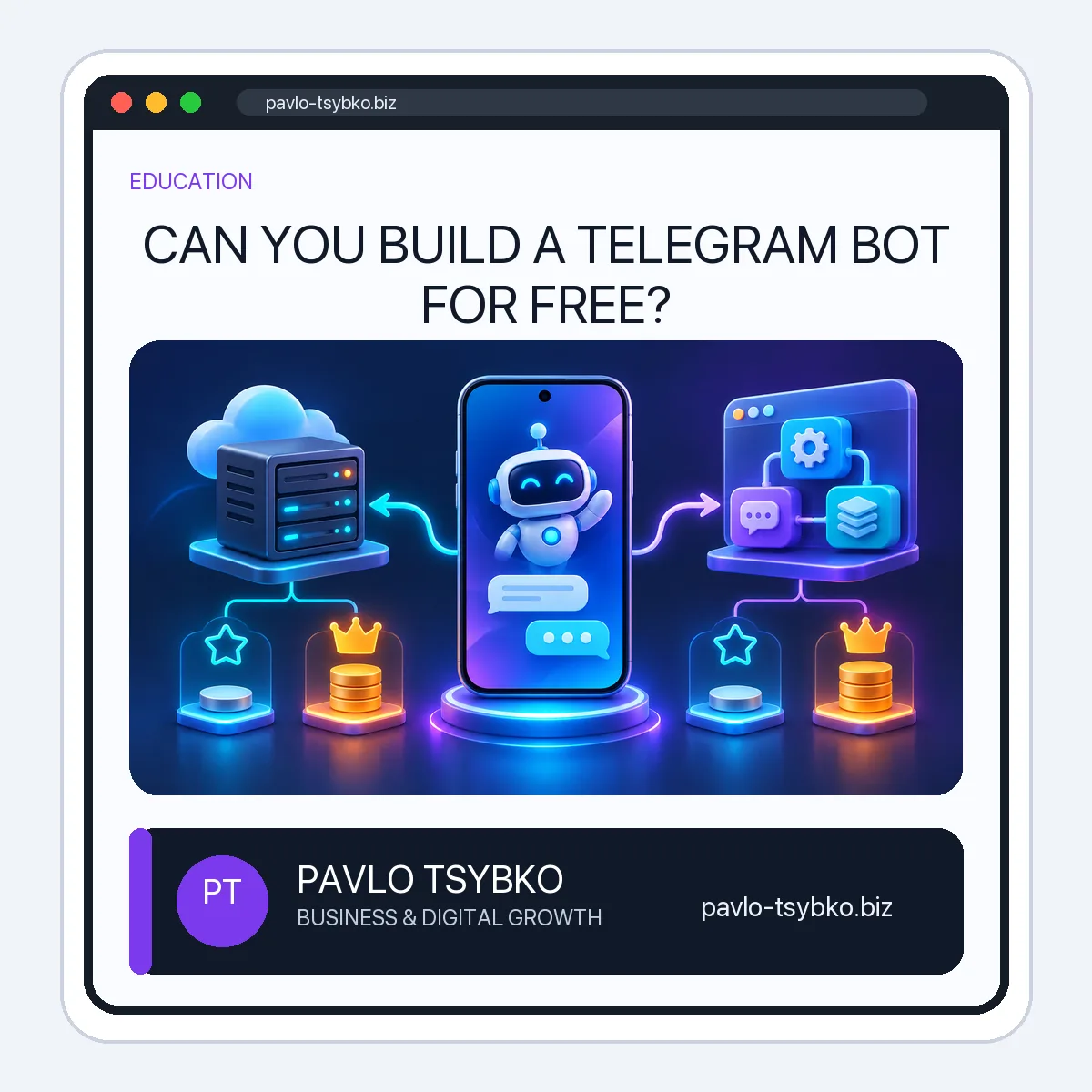
Can you build a Telegram bot for free? Yes—but “free to register a bot” and “free to run the complete service” are different claims. Telegram provides the bot platform and Bot API without a platform subscription. Your own code still needs a place to run, while a no-code builder may include hosting but limit users, features or branding. The right comparison starts with the job your bot must do.
Three different meanings of “free Telegram bot”
- Telegram account and Bot API: create a bot with @BotFather and use Telegram’s bot platform. Telegram does not charge you to register a basic bot, but it does not write, host or maintain your custom logic.
- Self-hosted code: you build the behavior and run it on your computer, a server or a hosting free tier. A local test can cost nothing in cash; a reliable always-on production service may incur hosting, monitoring and maintenance costs.
- Hosted no-code builder: the provider gives you a visual interface and often runs the bot. The free tier may restrict subscribers, new users, automations, branding or support. You must check what is included before promising a “free” launch.
Free-plan examples, not endorsements
The following are public provider claims checked in November 2026. They are examples of different product types, not a ranking or a guarantee that a feature will work for your particular use case.
| Option | What the official site says about free use | Key question before choosing |
|---|---|---|
| Telegram Bot API + your code | The bot platform is free for users and developers. | Who builds, hosts, secures and maintains the code? |
| SmartSender | Its public Free plan lists 0€ and up to 500 subscribers; plan features and paid tiers are listed on its site. | Do its subscriber, channel and automation limits fit your actual workflow? |
| TeleCrow | Its public Free plan lists one live bot, a daily new-user limit and an in-bot ad. | Are the user limit and provider branding acceptable? |
| Livegram | It presents a free two-way feedback bot; a paid option removes its ads/branding. | Do you need a support inbox rather than a general automation builder? |
Check each provider’s official pricing and terms on the day you choose it. Free plans can change; taxes, payment processing, AI API usage and third-party integrations may be separate. A provider’s marketing page describes its offer, not independently verified service quality.
What costs appear after your first test?
- Hosting and uptime: custom code needs a running process and a monitored endpoint or polling worker. Free hosting tiers may sleep, cap requests or lack support.
- Development and maintenance: even a tiny bot needs a conversation design, error handling, updates and a person who can fix it.
- Data and security: protect the BotFather token, limit admin access, set retention rules and know where customer data goes. A leaked token must be revoked.
- Extra services: AI responses, CRM, payment processing, SMS/email, analytics or additional channels can add separate charges.
- Human handoff: someone must answer requests the bot cannot resolve; automation does not remove that operational cost.
Which path should a small business choose?
If you need only a feedback inbox, test a simple hosted support bot first. If you need a fixed FAQ or lead-qualification flow, compare no-code free tiers against your expected audience and data requirements. If you need integrations, unique logic or stronger ownership of data, a custom Bot API implementation may be more appropriate—but budget for hosting and maintenance. Avoid choosing solely by a “free” label.
Before committing, run the same test in each candidate: create a bot, connect it, complete one real user task, trigger a fallback, export or inspect the collected data, and check what happens when the free limit is reached. Read the cancellation and token-revocation instructions. Never place the API token in a public document or send unsolicited promotions; Telegram’s spam guidance explains the risk of unwanted messages.
A simple decision checklist
- What exact task should the bot complete?
- How many people might use it, and which limit matters: subscribers, daily new users, messages or automations?
- Does it need a human inbox, AI, payments or CRM integration?
- Where will customer information be stored, and who can delete it?
- Can you move to another platform without losing the bot identity or important data?
- Who will maintain it after launch, and what is the real monthly cost at your expected usage?
For the setup process itself, see my separate step-by-step Telegram bot guide. This article is about choosing a cost model; the other one is about building and testing your first useful flow.