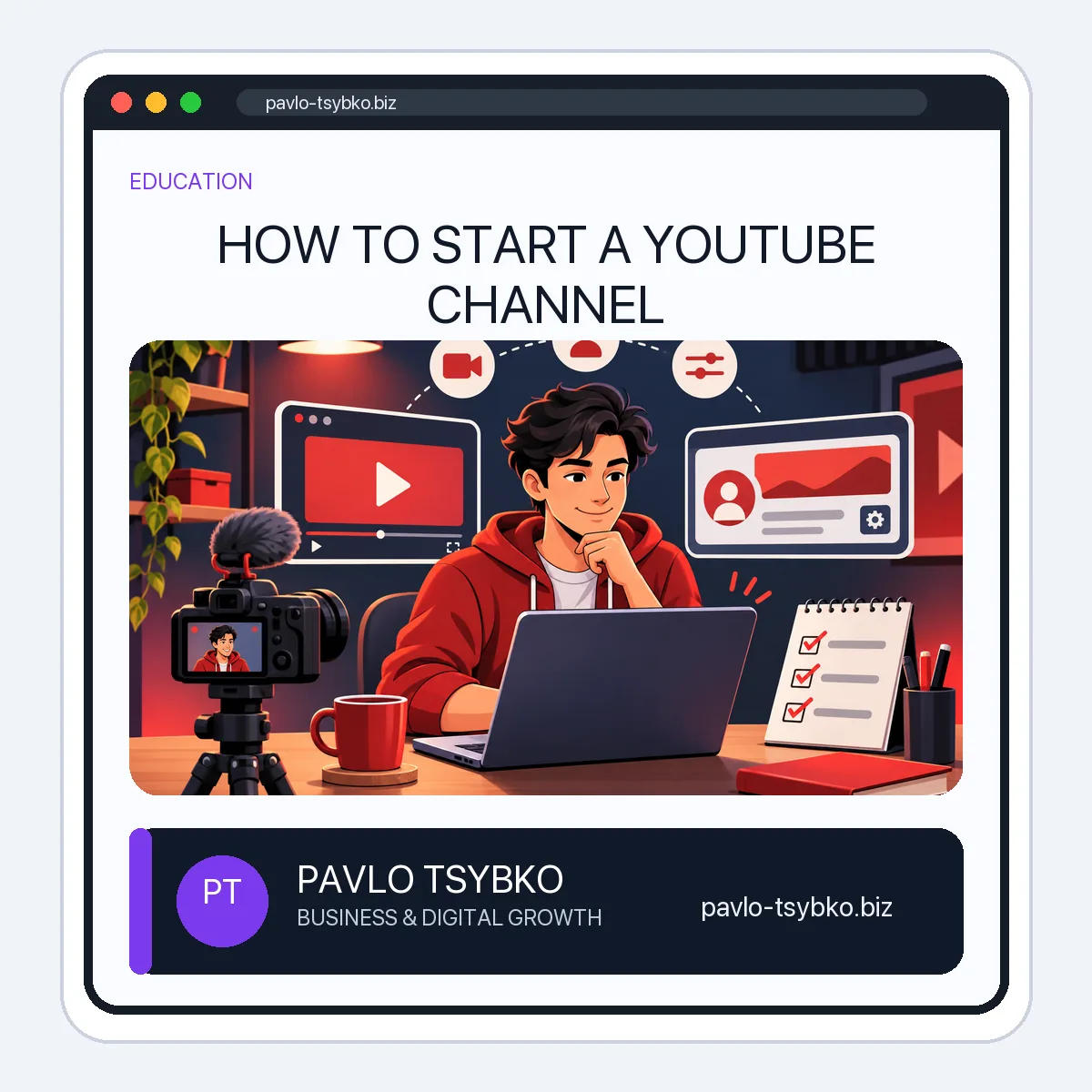
How to Start a YouTube Channel
Updated November 2026. The YouTube interface can change; use the linked YouTube Help instructions if a button has moved.
Starting a YouTube channel takes only a few minutes. Building one that a specific audience understands takes a little more planning. This guide separates the account setup from the decisions that make a new channel useful for a creator or small business.
Before you create the channel
Write down whom the channel serves, the problem each video will help solve, and what a viewer should do next. A small business might explain common customer questions; a creator might teach a repeatable skill. Choose a name that a real person can recognize. Do not spend weeks on equipment or a logo before testing a first video idea.
1. Sign in and choose the right channel type
Sign in to YouTube with a Google Account. You need a YouTube channel to upload videos or create a public presence. For a channel only you will manage, follow YouTube’s personal-channel flow: open your profile picture, go to Settings → Account → Add or manage channel(s) → Create a channel, then add your picture, name and handle. For a business name or a channel with multiple managers, use YouTube’s business/Brand Account flow instead. The current steps are documented in YouTube Help: Create a YouTube channel.
Choose a handle that is easy to say, type and recognize across your other channels. Check the spelling before publishing it in a website header, email signature or social profile. A handle can change, but consistent naming makes a new channel easier to find.
2. Complete the public profile
Add a recognizable profile picture, a banner that remains legible on a small screen, and a short description. In the first sentences, say who the channel is for and what topics viewers will find there. Add relevant links to your official website or business contact point. Avoid stuffing the description with repeated keywords or promising results you cannot demonstrate.
If you have a team, use channel permissions or the appropriate Brand Account roles rather than sharing the owner’s password. Review who can publish, edit and manage the channel; remove access when a collaboration ends. See YouTube’s channel-permissions guidance for current role options.
3. Plan the first three videos
Choose three questions your audience already asks. For each, define one promise, one useful answer and one next step. A simple starting plan could include an introduction, a practical tutorial and an answer to a common objection. This gives viewers a clearer reason to return than a generic welcome video alone.
Draft titles that explain the actual benefit of each video. Design a readable thumbnail that matches the content. YouTube says titles, thumbnails and descriptions matter more for discovery than tags; tags have a limited role apart from common misspellings. Do not rely on a long tag list as a growth strategy. See YouTube’s video-tags guidance.
4. Publish and check the viewer experience
Record a clear answer with understandable sound. A phone and quiet room are enough to test a topic; expensive equipment is optional. Add an accurate title and description, select an appropriate audience setting, and review the video on mobile before publishing. Make sure links work, captions are usable and the thumbnail is not cropped unexpectedly.
After the first uploads, look for patterns in YouTube Analytics: which topics attract the right viewers, where people stop watching and whether they take the next step. Improve the next video from that evidence. Buying views or subscribers does not create a real audience and can violate YouTube’s fake-engagement policy.
New-channel checklist
- One clear audience and topic promise.
- Personal or business channel type chosen deliberately.
- Recognizable name, handle, picture and mobile-readable banner.
- Description and official contact link checked.
- Team access assigned without sharing the owner password.
- Three useful video topics planned and the first video tested on mobile.
- Analytics review scheduled after publishing, without buying engagement.
Once the channel is live, continue with our YouTube channel growth guide. If you want to test official promotion, first use the YouTube promotion budget framework to separate production work from advertising spend.