How to Write a YouTube Video Ad Script
Originally published September 10, 2019. Substantially updated November 2026. This guide replaces an older pre-roll article; ad formats and controls can change, so confirm them in Google Ads before production.
A YouTube video ad script is not a magic 30-second formula. Its job is to help the right viewer understand an offer, see credible evidence and know the next step. A good script starts with a brief about the audience and the campaign goal, then turns that brief into words, visuals and a landing page that tell the same story.
Choose the placement and one objective first
Before writing, decide whether the creative is intended for skippable in-stream, in-feed or Shorts. These are different viewing situations. A skippable in-stream ad can be skipped after five seconds, while an in-feed ad invites a click from a thumbnail and text; Shorts are watched in a vertical, swipeable feed. Google’s current video-format guide describes the available placements and requirements. Do not assume the old term “pre-roll” defines every YouTube ad.
Write one measurable objective in the brief: qualified enquiries, product-page visits, a relevant video view or awareness among a defined audience. Pick the action that matches the landing page. A view is not the same thing as a sale, and a raw registration count is not proof that the creative was profitable.
Write a one-page creative brief
- Viewer: Who is this for, and what question or task brings them to the video?
- Offer: What exactly can the viewer get, and what are the conditions?
- Evidence: What can you show on camera—product use, a real process, a verified customer quote or a clear demonstration?
- Next step: Where should the viewer go, and does that page fulfill the promise made in the ad?
- Production: Which footage, captions, voiceover, aspect ratios and approvals are needed?
Keep claims specific and supportable. If you cannot substantiate a number, a testimonial or a promised outcome, leave it out. The ad and destination should not create different expectations.
A flexible script structure
Use the sequence below as a drafting tool, not a rule that every video must follow. Google’s ABCD creative framework likewise emphasizes attention, branding, connection and direction rather than one universal script.
- Open with relevance. Show the problem, desired task or product in use immediately. For a skippable ad, make the first few seconds meaningful even if the viewer does not continue.
- Explain one useful difference. Demonstrate how the offer works or what the viewer will learn. Cut generic superlatives and repeated slogans.
- Show evidence. Use a real screen, a product demonstration or an accurately attributed quote. Never invent customer results.
- Ask for one next step. Make the call to action precise—“See the course outline,” “Request a consultation” or “Compare the plans”—and match it to the destination.
A sample storyboard, not a performance promise
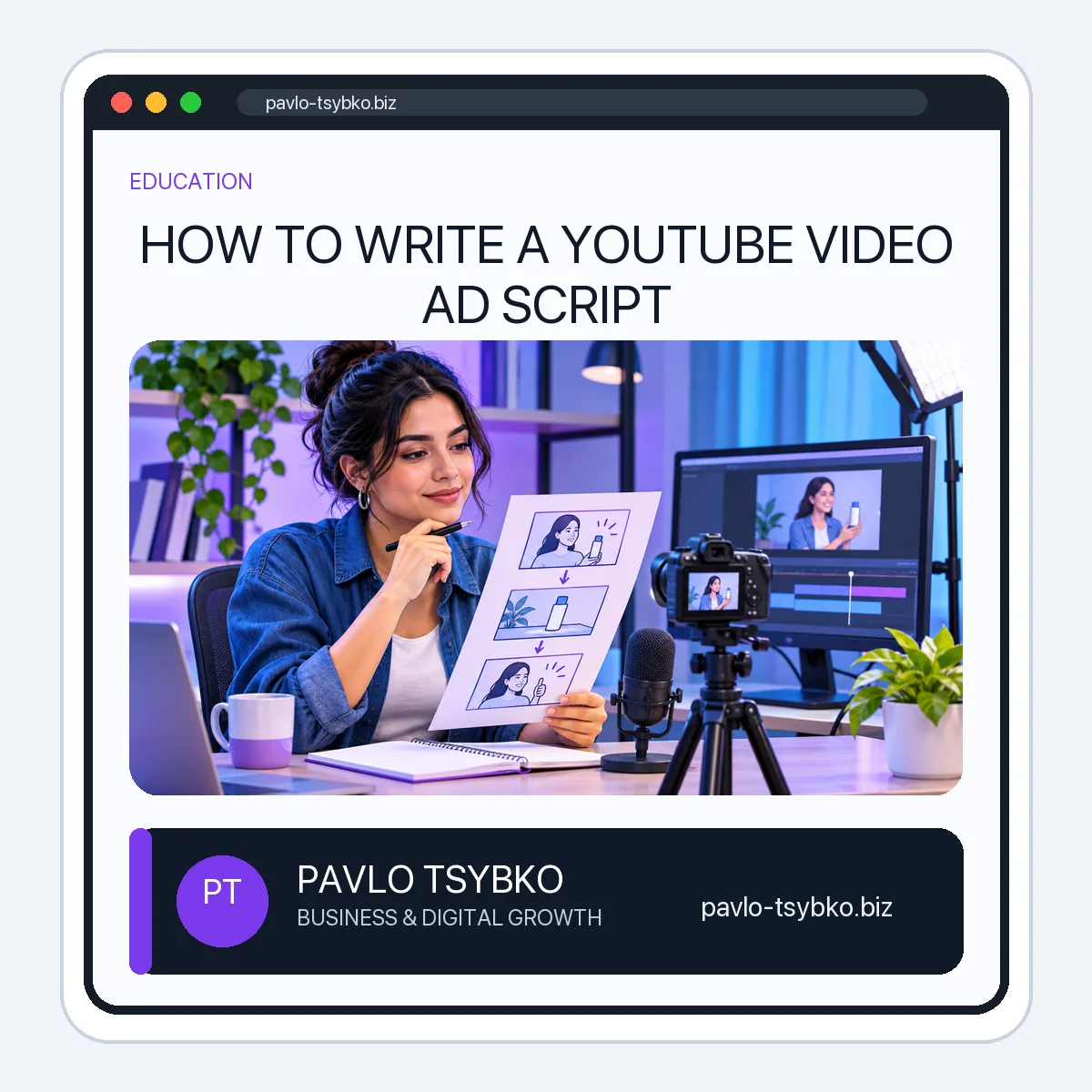
Imagine a small company offering remote training for a marketing team. A possible skippable-ad draft could look like this:
| Beat | What the viewer sees | Possible voiceover |
|---|---|---|
| Relevant opening | A team juggling scattered video tasks | “Does every video need a new process from scratch?” |
| Offer and demonstration | A short planning checklist, then a team review | “We help teams define roles, plan a video and review what happened.” |
| Clear next step | A real service page on a phone | “See the training scope and request a tailored plan.” |
This example does not claim that the training will produce a set number of views, leads or sales. It should be rewritten for the actual audience, offer and available evidence. For a Shorts placement, plan a vertical visual sequence and readable captions; for an in-feed placement, give the thumbnail and title their own honest hook.
Make the production brief usable
Put voiceover and on-screen action side by side. Mark where the brand or product appears, what captions are necessary, and whether the call to action can be seen without sound. Read the script aloud; spoken language is shorter and clearer than a paragraph copied from a landing page. Then film a rough version before committing to polished editing.
Check practical details before launch: the current format specifications, mobile crop, safe text areas, sound, captions, destination URL and tracking. Google’s video-ad tips and format documentation are the right place to verify current controls; do not rely on a 2019 screenshot.
Review results without confusing metrics
After launch, compare the ad with the objective in the brief. Look at the relevant Google Ads and site-conversion data, check whether the landing page answers the ad’s promise, and investigate where viewers stop or click. Compare variations with a clear hypothesis—such as a different opening or a clearer demonstration—rather than changing every element at once. Report uncertainty when the sample is too small to support a conclusion.
For campaign setup after the script is ready, use the separate YouTube Ads launch guide. If you need help producing and promoting a business video, see the current video-promotion service. Neither page replaces a truthful, specific creative brief.