YouTube Video Ad Formats: Where Ads Appear and How to Choose
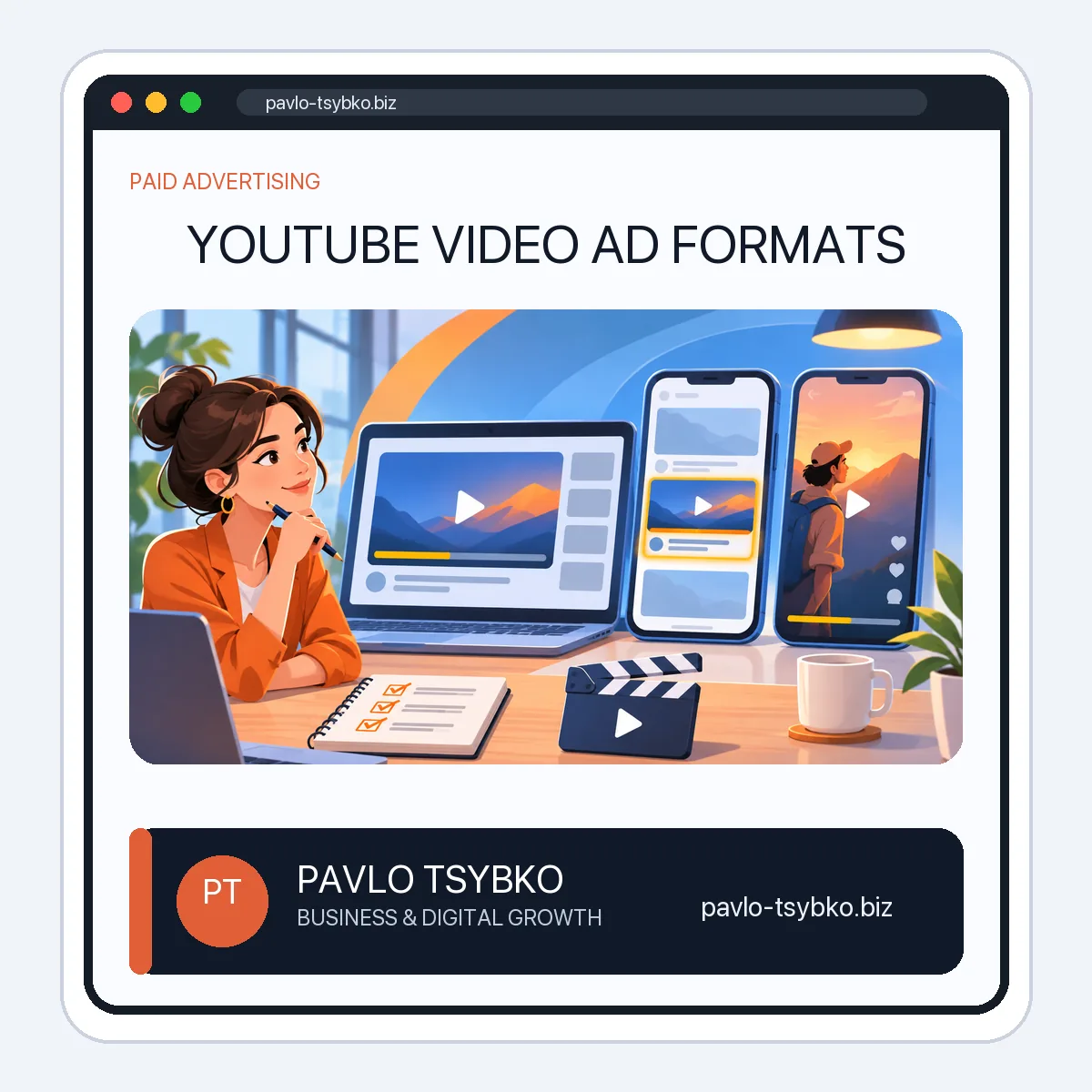
Updated November 3, 2026. A YouTube ad is not one fixed placement. The format determines whether someone sees your video before another video, in a discovery feed, or among Shorts. The campaign goal and settings determine which options are available. This guide explains the main formats in Google Ads’ current video-ad documentation and how to choose one for a real business objective.
Start with the outcome, not the placement name
Decide what you want a viewer to do: remember the brand, watch an explanation, visit a useful page, or submit a qualified inquiry. A format that produces views is not automatically the best format for a service business. Define the audience, landing page, conversion event and a spending limit before designing the video. Check the available campaign subtype in your own Google Ads account; objectives and eligible formats change over time.
Skippable in-stream ads
These ads can run before, during or after other videos. Viewers may skip after five seconds. They can be useful when the first seconds make the topic and audience clear, while the rest of the video earns attention rather than demanding it. Google says eligible placements can include YouTube watch pages and video partners, depending on campaign settings. Billing also depends on the bidding method; do not assume every impression is charged like a completed view.
For a service offer, open with the customer’s problem and show one concrete reason to continue. Make the call to action consistent with the landing page. Test whether viewers who reach the site actually take the intended action, not just whether the video received a high view count.
Non-skippable in-stream and bumper ads
Non-skippable in-stream ads deliver a complete short message before, during or after another video. Bumper ads are a particularly brief non-skippable format, typically up to six seconds. They suit a simple, memorable point better than a complex service explanation. Their eligibility, duration and buying method depend on the campaign type and device, so verify the current specification in Google Ads Help before producing a cut.
Do not compress a whole sales presentation into six seconds. Use a short format to establish recognition or reinforce a message already explained elsewhere; measure reach and frequency alongside business outcomes.
In-feed video ads
In-feed ads present a video thumbnail and text in discovery areas such as YouTube search, Watch Next and the Home feed. A person chooses to click to watch. This makes the title and thumbnail part of the promise: they should accurately describe the video, not manufacture curiosity that the content cannot satisfy. The exact placement and interaction depend on campaign settings. Google’s format reference is the current source for supported surfaces.
In-feed can be a fit for an educational video that answers a specific question before presenting a service. Compare relevant watch behavior and subsequent website actions rather than optimizing for clicks alone.
Ads in YouTube Shorts and premium placements
Shorts ads appear in a vertical, swipeable viewing environment. Design creative for that context: make the subject understandable on a phone, show the core point quickly, and avoid a desktop-style video with tiny text. Google lists Shorts as a current video ad format, but availability can vary by objective and account setup. Masthead is a prominent YouTube placement that generally involves a different buying process and scale; it is not a default starting point for a small advertiser.
What happened to In-Display, In-Search and In-Slate?
The original 2020 version of this article used those labels as if they were the current four-format menu. They are not the terminology in today’s Google Ads format list. Some older In-Display and In-Search descriptions resemble modern discovery placements, but do not assume a one-to-one technical replacement. In-Slate should not be planned as a current selectable campaign format. Use the current format and campaign-subtype documentation when budgeting or briefing a video producer.
A simple selection checklist
- Define the decision: what should the intended viewer understand or do after watching?
- Choose the context: interruption in-stream, voluntary discovery in-feed, or a vertical Shorts experience.
- Check eligibility: confirm the current format, duration, assets and placements in Google Ads for the chosen objective.
- Prepare a matching destination: connect the claim in the video to a page that answers the next question and has a measurable action.
- Run a controlled test: set a budget limit, tag links, inspect placement and conversion reports, then improve one variable at a time.
Format choice is only one part of a campaign. If you need help connecting creative, targeting, tracking and a landing page, see my YouTube video promotion service. For the broader role of video in a company, start with the YouTube for Business guide. Neither article promises a particular number of views or leads from a format alone.