Can You Build a No-Code Chatbot for Free? Real Costs and Limits
Updated November 2026. Free-plan limits change; check the provider’s current terms before committing a customer workflow.
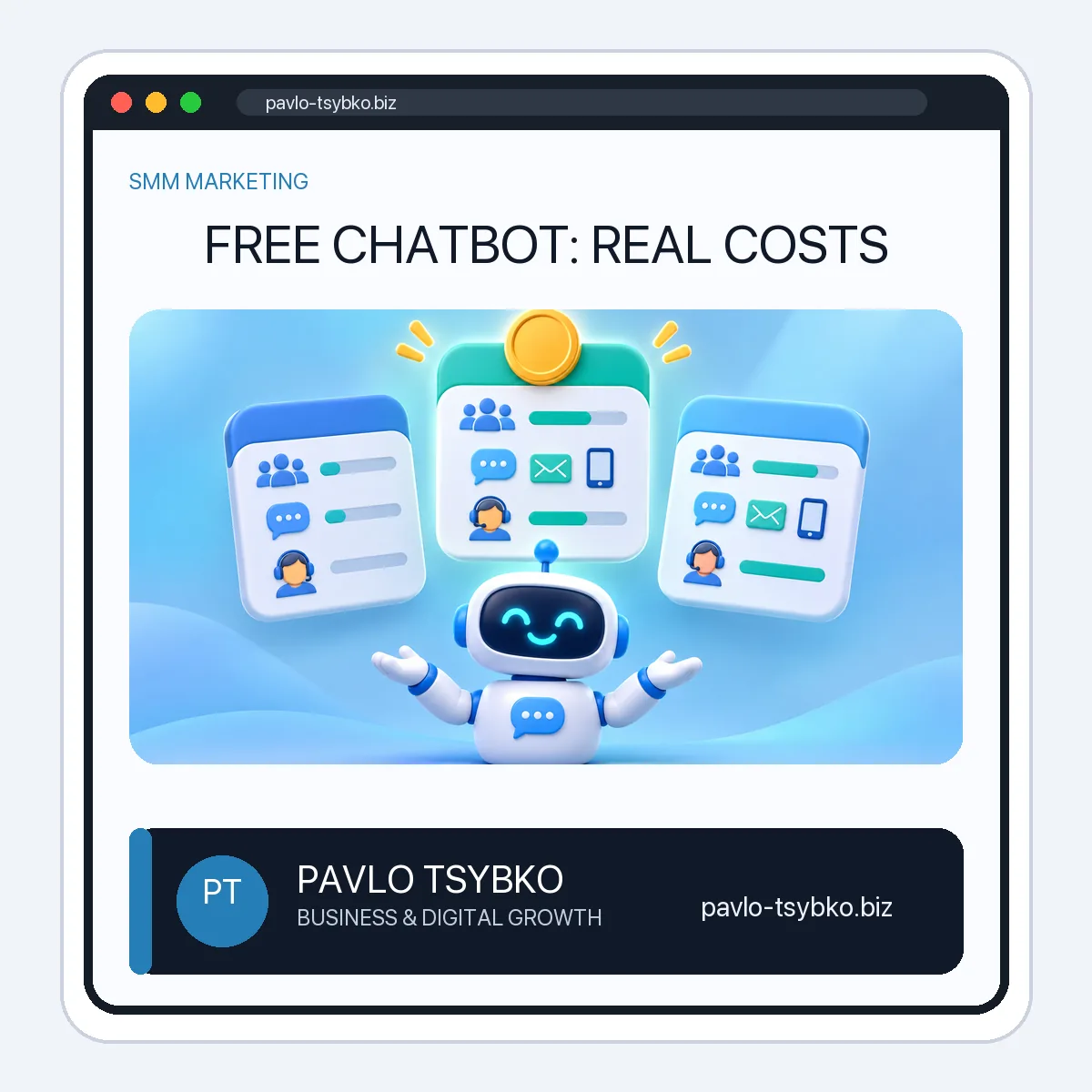
Yes, you can build a useful no-code chatbot without paying for software at the start. But “free” can mean a restricted ongoing plan, a temporary trial, or a free bot interface that still needs paid hosting and maintenance. The right question is not simply whether the builder costs zero today. It is whether your first real workflow fits its channel, audience, automation and support limits.
What does a free chatbot actually include?
A no-code builder gives you a visual way to map a conversation, collect a question and route a response. A free tier commonly limits how many contacts can interact with the bot, how many automations can be live, which channels are available and how many teammates can answer conversations. An integration, AI feature or higher-volume messaging may require a paid plan. A free trial is different: the workflow may stop or lose features when the trial ends.
Telegram offers a different route. Its Bot API is free to use, but the API does not build, host or maintain your bot for you. You can create a bot with BotFather and use code or a third-party builder; hosting, development and support may still cost money. For a Telegram-specific comparison, see Can You Build a Telegram Bot for Free?
Two dated free-plan examples
These are examples of published provider terms, not recommendations or a guarantee that your account is eligible. Check the relevant channel and region in the provider’s own dashboard.
| Provider | Published free-plan starting point | Limit to check first |
|---|---|---|
| Manychat | $0 plan; up to 25 active contacts per month and four live automations under its October 2026 help article. | Only two eligible channels; WhatsApp, SMS and email are not included in that free plan. Confirm channel eligibility for your account. |
| SmartSender | Its public pricing page advertises a €0 starting tier with a subscriber allowance. | Check current subscriber, channel, broadcast, funnel and team limits directly before planning a production launch. |
These services count usage differently: a contact, subscriber, message and automation are not interchangeable. Do not choose a tool by comparing only the headline price. SmartSender’s public plan details and Manychat’s help article were checked in November 2026; pricing and eligibility can change without notice.
The costs that appear after a free pilot
- Channel access: your chosen channel may be available only on a paid tier or have its own delivery fees and rules.
- Audience growth: a plan may cap active contacts, subscribers or outgoing messages, so calculate the cost at your realistic volume.
- People and handoff: extra inbox seats or a human agent workflow can change the monthly price.
- Integrations and AI: CRM connections, external automations, AI usage or API calls may be separately metered.
- Setup and upkeep: even a free builder needs conversation design, consent wording, testing, updates and someone to fix failed flows.
- Exit costs: check whether you can export contacts and conversation data if you change providers.
How to run a genuinely low-cost first test
- Pick one task. Start with a frequently asked question, booking inquiry or simple lead qualification. Avoid a bot that tries to replace the entire service team.
- Choose the channel where customers already contact you. Check whether the free tier supports that channel before building the flow.
- Map the conversation. Write a welcome message, two or three clear choices, a useful answer and a way to reach a person. Our no-code chatbot setup guide covers that workflow step by step.
- Ask for consent where needed. Explain what data you collect, why, and how someone can stop marketing messages. Do not import people into unsolicited campaigns.
- Test edge cases. Try vague questions, unsupported requests, duplicate messages and a failed integration. Make sure a human can take over.
- Measure the useful outcome. Track completed answers, handoffs and unresolved requests, not just the number of messages sent.
- Price the next tier before launch. Estimate the first threshold you might exceed and the monthly cost of that change. If the economics do not work, simplify the flow or choose another tool.
When a free plan is enough—and when it is not
A free tier can be enough for a small pilot with one channel, one owner and a few predictable questions. It is usually a poor foundation for a business-critical support desk if you need several agents, regulated data handling, dependable integrations or higher message volume. Before moving customer conversations, verify the provider’s security, data processing, retention and support terms for your situation.
If your first goal is to learn the mechanics, build one flow and test it with your own team. If your goal is a production service, make a budget that includes the software tier, channel fees, implementation time and human oversight. No chatbot plan can guarantee leads or sales by itself.
Frequently asked questions
Is a free chatbot really free forever?
Some providers publish ongoing free tiers, but with usage and feature limits. A trial may expire. Recheck the live plan before relying on it for customers.
Can I build a Telegram bot without paying?
Telegram’s Bot API is free. You may still pay for a no-code platform, hosting, development or maintenance, depending on how you build it.
Should I use a free plan for customer support?
Use it to validate a narrow workflow first. For production, check team access, data handling, human handoff, reliability and what happens at the plan limit.
Need a chatbot workflow that fits your business? Get to know my work and bring one concrete customer question; we can scope the simplest useful pilot before choosing a platform.