How to Build an Online Sales Funnel: A Practical Small-Business Guide
Updated November 2026. This guide explains a practical planning process, not a promise of a particular conversion rate or sales result.
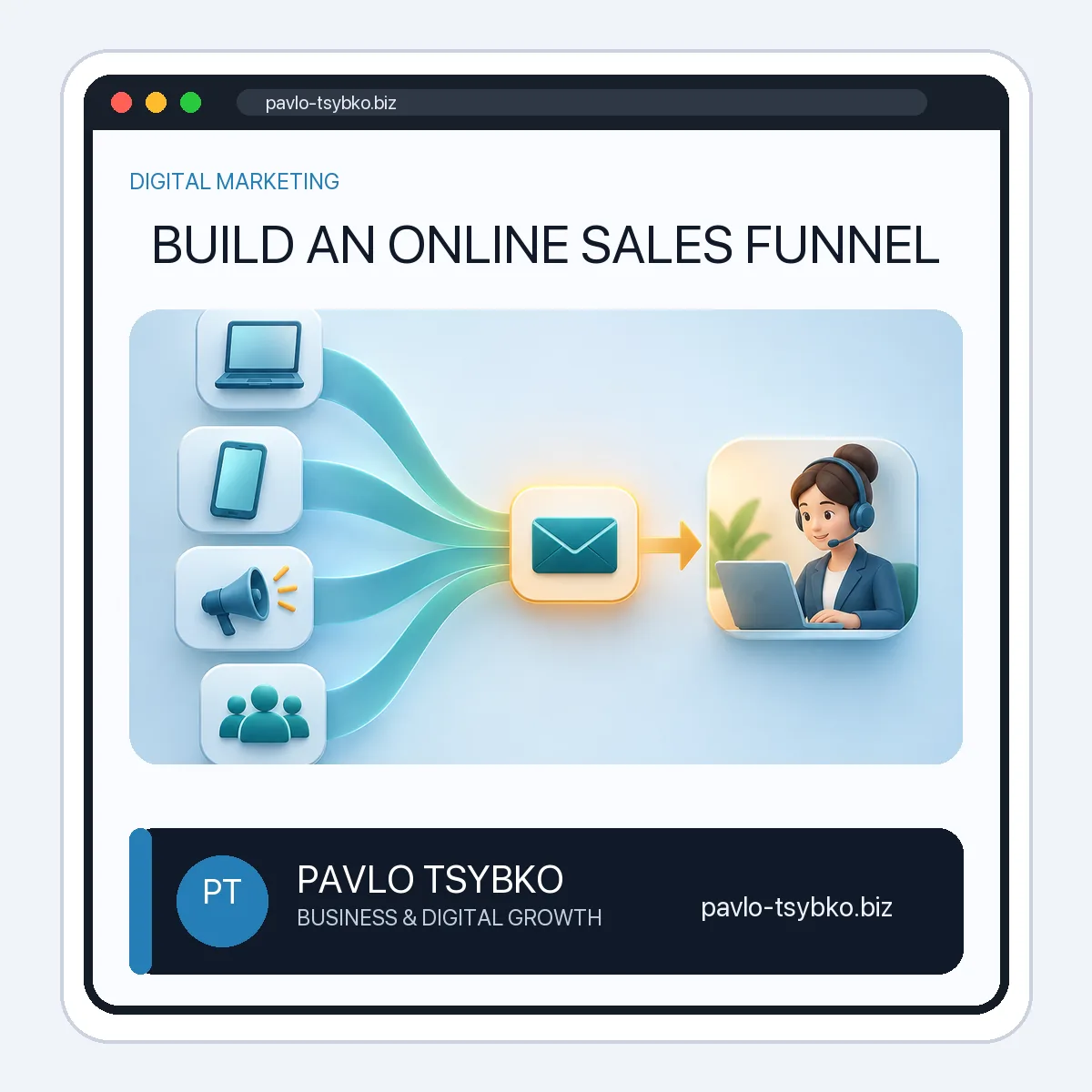
An online sales funnel is the sequence of steps a person takes from discovering an offer to making an informed decision. For a small business, that sequence might be a search result, a useful page, a clear inquiry form, a timely reply, a proposal, and a purchase. The goal is not to push everyone through an automated script. It is to make each next step understandable and to notice where interested people get stuck.
Start with a real customer journey
Before choosing software, pick one offer and one audience. Write down how someone currently discovers the offer, what they need to know before contacting you, how they reach a person, and what happens after the first inquiry. Use actual questions from customers rather than guessing what a generic “lead” wants.
For example, a service business may receive inquiries that say only “How much?” The useful improvement may be a page that explains scope, examples, and what information is needed for a quote—not another pop-up or a longer email sequence.
1. Match the entry point to the question
Choose an entry point that fits the audience: an organic search page, a relevant social post, a referral, an email to existing subscribers, or a clearly labelled paid ad. The headline and first screen should answer the same question that brought the visitor there. If an ad promises a practical checklist, do not send the click to a generic homepage.
One page should have one main purpose. It can educate, compare options, or invite a qualified inquiry, but it should not hide essential facts behind a form. Explain who the offer is for, what it includes, what it does not include, and the next step.
2. Make the inquiry useful for both sides
Ask for only the information needed to respond. A short service inquiry might need the project goal, current website or channel, timeline, and a contact method. Label optional fields. Tell visitors when they can expect a response and provide an alternative contact route if the form fails.
Do not treat an email address as permission for unrelated marketing. If a newsletter is optional, present a separate, clear choice and keep a record of consent. A downloadable resource can be useful, but it should genuinely help the reader even if they never buy.
3. Plan the human follow-up
Assign an owner to each inquiry. Decide what happens when a message arrives outside working hours, when it lacks key details, or when the request is not a fit. A first reply should acknowledge the actual question, state the next action, and avoid a canned promise of results.
Automation can confirm receipt or route a request, but a business chatbot should have a clear handoff to a person. Do not automate a price quote or a sensitive decision from incomplete information.
4. Define a small set of measurable steps
Track actions that describe progress: a relevant page view, a form start, a completed inquiry, a qualified conversation, a proposal, and a sale. Keep these events distinct. A submitted form is not the same as a qualified lead, and a click is not a customer.
Record the source where possible and review the path without assuming one channel deserves all the credit. Google Analytics provides key-event attribution paths for analysis, but measurement still depends on correct event setup and consent choices. Keep a simple manual record of lead quality alongside analytics.
5. Test the complete path before spending more
- Open the page on a phone and a desktop; check the main message, button, and form.
- Submit a test inquiry and confirm delivery, notification, ownership, and a useful reply.
- Check that the thank-you message is accurate and does not claim a booking or purchase that has not happened.
- Test an incomplete form, a non-matching request, and an after-hours message.
- Confirm links, tracking events, privacy notice, and any optional marketing consent.
Only then compare changes. If many visitors reach the page but few contact you, investigate whether the offer is unclear or the traffic is a poor fit. If many inquiries arrive but few become useful conversations, examine the form, response time, and qualification. Change one meaningful part at a time so you can learn what helped.
A simple example, not a performance claim
Imagine a small website-development studio. A visitor searches for a business website, reads a page showing the process and what the service covers, then sends a short project brief. The studio replies with clarifying questions and, if the project fits, schedules a call. The funnel is the whole path, including the human reply—not just the landing page or the automation tool. The right metrics are whether qualified prospects understand the offer and whether the team can respond well, not a universal “conversion rate.”
What to build first
- Choose one offer and map the current customer path.
- Write the page around the visitor’s main question and a clear next step.
- Set up a short, reliable inquiry route and an owner for follow-up.
- Measure completed and qualified inquiries separately.
- Test the journey, review feedback, and improve the weakest step.
You can add email sequences, a CRM, messaging automation, or paid campaigns later when they solve a specific problem. No single platform creates a good funnel by itself.
Need help mapping your funnel?
Send the offer, your current entry page, and one common customer question to mail@pavlo-tsybko.biz. I can help identify the next useful step and a small way to test it. Outcomes depend on the offer, audience, execution, and follow-up.