How to Make Your First YouTube Video
Updated November 2026. YouTube Studio controls can change; check the linked official help pages when uploading.
Your first YouTube video does not need an expensive camera or a perfect studio. It needs one clear viewer question, an understandable answer, and sound that people can follow. This guide takes you from a simple idea to a publishable first video without promising views or income.
Choose one useful question
Start with a question that a real viewer might type or ask you directly. For a service business, that could be “What should I prepare before requesting a website quote?” For a creator, it might be a short demonstration of a skill. Keep the first video narrow enough to answer fully. A broad “everything about my business” introduction is harder to structure and less useful to a new viewer.
Write one sentence describing the outcome: “After watching, the viewer can ___.” If the sentence contains several unrelated outcomes, split them into separate videos. If you have not created a channel yet, use our channel setup checklist first.
Make a short outline, not a speech to memorize
- Opening: state the question and why the answer matters.
- Main steps: give two or three concrete actions in a logical order.
- Example: show the result on screen or demonstrate a common mistake.
- Next step: suggest one relevant action, such as trying the checklist or watching a related tutorial.
For a demonstration, note what must be visible in each step. For a talking-head video, keep a few bullet points near the camera. Rehearse once and remove tangents that do not help the viewer reach the promised outcome.
Set up a simple recording space
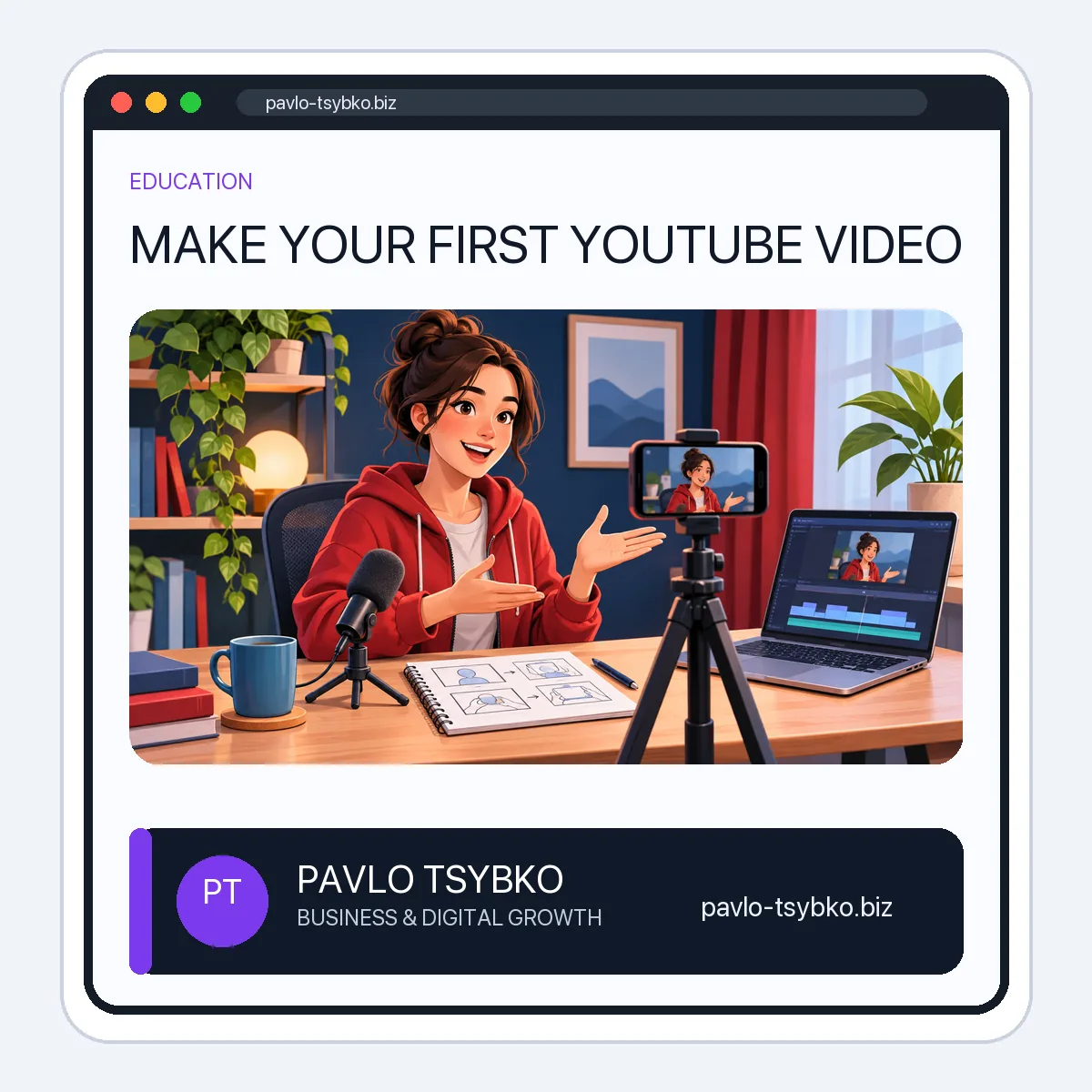
A modern phone can be enough for a first test. Place it on a stable support, clean the lens, and frame the subject with some space around the face or object. Film a brief sample and watch it with headphones: distracting echo or background noise can be more damaging to understanding than modest image quality. Move closer to the microphone or choose a quieter room before buying equipment.
Use soft light from a window or a simple lamp so the subject is visible. Avoid a bright window directly behind you. Check the background for private information, distracting screens and other people’s faces. If you record a screen tutorial, increase the interface size enough to remain readable on a phone.
Record in small sections and edit for clarity
Record the opening, each main step and the ending separately if that helps. Keep a short pause before and after each take. In editing, remove long silences, repeated sentences and off-topic sections. Add a title card or on-screen label only when it improves comprehension. Use music and visuals you have permission to use; do not assume that a track or image found online is free to publish.
Watch the finished video once on a phone. Can a new viewer understand the first 15 seconds? Is the sound even? Are any important words or screen details too small? Captions can help viewers follow the content; review automated captions for names and technical terms before relying on them.
Upload with accurate details
In YouTube Studio, choose Create → Upload videos and select the file. Add a title that reflects the actual answer, a short description with useful context and links, a relevant thumbnail, and the correct audience/visibility settings. Review the checks and preview before publishing. YouTube’s current upload guide explains the available controls.
Do not treat tags as the main discovery lever. YouTube says the title, thumbnail and description matter more; tags have a limited role except for common misspellings. A clear thumbnail should match the video rather than exaggerate its outcome. See YouTube’s title and thumbnail tips.
Learn from the first release
Share the video where the topic is genuinely relevant, then listen to questions from viewers. In YouTube Analytics, look at how viewers found the video and where they stopped watching. One upload is too little evidence for a sweeping conclusion. Use the observations to improve the next topic, opening or explanation. Avoid bought views, subscribers and engagement; they do not answer whether the video helped its intended audience.
First-video checklist
- One specific viewer question and one promised outcome.
- A four-part outline with visible examples.
- Stable framing, understandable audio and adequate light.
- No private information or unlicensed music/images.
- Mobile review of the edited video and captions.
- Accurate title, thumbnail, description, audience and visibility.
- A note on what to improve in the next video.
Once you have a few useful uploads, continue with our YouTube channel growth guide. If paid distribution is relevant, plan production and official advertising separately with our promotion budget framework.